
Beyond the Board: Rethinking Kanban for Your Personal Life
If you think Kanban is just for software teams or manufacturing floors, think again. This powerful visual workflow system, rooted in Japanese efficiency principles, is revolutionizing how individuals manage everything from daily chores to lifelong dreams. As both a content creator and business consultant, I’ve seen firsthand how adapting this agile methodology can transform personal productivity from chaotic to crystal clear.
Why Kanban Works for the Individual Brain
Our brains are wired for visual processing. Kanban leverages this by making your workload visible, tangible, and flexible. Unlike rigid to-do lists, a Kanban system shows not just what needs to be done, but the stage it’s in. This creates natural momentum, limits work-in-progress, and provides a satisfying visual of progress.
Creative Personal Kanban Setups You Can Steal
1. The Digital-Nomad Dashboard (For Content Creators)
Columns: Backlog | Research/Outline | Creating | Editing/Polishing | Published/Promoting
Creative Twist: Use color labels for content type (blog, video, social) and add a “Waiting On” column for client feedback or collaborative inputs.
Tool Tip: Trello or Notion are perfect for this, allowing you to attach drafts, links, and calendars to each card.
2. The Life-Governance Board (For Consultants & Busy Professionals)
Columns: Strategic Goals | This Quarter | This Week | Today | Done ✅
Creative Twist: Have separate “swimlanes” (horizontal rows) for different life domains: Consulting Projects, Personal Brand, Health, Learning, Family. This ensures balance.
Tool Tip: A physical whiteboard in your home office makes this unavoidable and impactful.
3. The Habit & Routine Tracker
Columns: Habits | Monday | Tuesday | Wednesday | Thursday | Friday | Saturday | Sunday
Creative Twist: Instead of tasks, cards are daily or weekly habits (e.g., “Morning Walk,” “30-min Learning,” “Content Batch”). Move them across the days as you complete them.
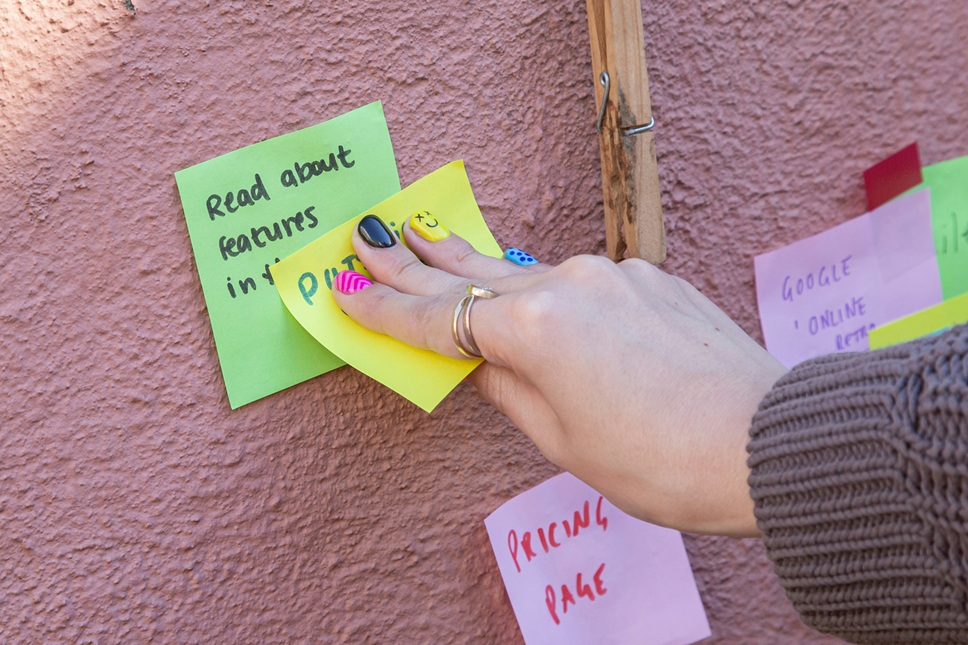
Tool Tip: A simple magnetic board or sticky notes on a mirror. The physical act of moving the card builds reinforcement.
4. The Goal-Getter’s Journey Map
Columns: Dream Big | Break It Down | Next Actions | In Progress | Milestone Reached
Creative Twist: Start with a vision card in “Dream Big” (e.g., “Launch an Online Course”). Use child cards to break it into phases, then specific tasks. It connects daily effort to grand visions.
Tool Tip: Miro or Mural for a limitless digital canvas to brainstorm and map.
Pro-Consultant Tips for Maximum Effectiveness
Limit Your Work-in-Progress (WIP): This is the golden rule. Cap the number of tasks in your “In Progress” column (e.g., 3-5). It forces focus and completion, reducing the stress of multitasking.
Make Policies Explicit: Write down your “rules.” (e.g., “A task must have a clear next step to enter ‘Today'” or “I can only have one ‘fun/learning’ item in WIP at a time”). This removes mental negotiation.
Conduct a Weekly “Personal Retrospective”: Each week, review what moved to “Done,” what got stuck, and why. Adjust your board, your WIP limits, or your tasks for the next week. This is your key to continuous improvement.
Embrace the “Parking Lot”: Have a column for ideas that pop up mid-flow. Instead of derailing your current task, capture it in the parking lot to evaluate during your next planning session.
SEO Summary & Key Takeaways
Optimizing your personal productivity doesn’t require complex tools. A creative Kanban system, tailored to your needs, can provide unparalleled visual task management and workflow clarity. By limiting work-in-progress and visualizing your personal goals, you reduce anxiety and increase output. Whether you’re a content creator managing an editorial pipeline, a consultant balancing multiple clients, or anyone seeking personal efficiency, these Kanban board ideas offer a flexible framework to master your time and energy. Start simple, iterate based on your weekly review, and watch your productivity become not just manageable, but meaningful.
Ready to visualize your workflow? Pick one area of your life, set up your first three columns (To Do, Doing, Done), and start moving. The clarity is just a few sticky notes away.